Adult Content Creators
Creators can write explicit scene direction and get a clip back instead of a policy message. It suits NSFW concepts that start as an idea rather than an existing image.
CharaxAI generates video from text without a blocklist deciding what you are allowed to write. Describe the character, scene and camera in plain language, then get an unrestricted AI text to video result with motion, framing and private preview. Free to start.
CharaxAI's text to video is an uncensored AI video generator that builds a clip entirely from a written prompt, with no source image required. Most text to video tools screen your wording before rendering, so an adult scene gets rejected while you are still describing it. CharaxAI runs a filter-free pipeline for lawful 18+ work, which means the same prompt that fails elsewhere renders here on the first attempt. The model reads subject, action, camera direction, lighting, and pacing from your text, then exports to MP4 inside a private session that never posts to a public gallery by default.
Describe who is in the scene, what they are doing, and how the camera should move. Concrete wording about body position, outfit, and lighting gives the generator more to work with than a short phrase.
Choose realistic, anime, or stylized output, then set clip length, motion intensity, and shot distance. Because prompts are unfiltered, adult direction can be written plainly instead of coded around a blocklist.
Review the clip privately, rewrite the weak part of the prompt, and regenerate until the scene lands. The tool is free to start and exports to MP4 for editing or upload.
Type a scene and let the text to video generator build it from nothing. CharaxAI parses subject, action verb, camera angle, and lighting cue separately, so an AI generated video from text follows the structure you wrote instead of averaging your words into a vague clip. It is the fastest route to create video from text when you have an idea but no reference photo to animate.
Write the adult scene directly rather than hiding it behind safe wording. As an uncensored AI video generator from text, CharaxAI skips the prompt screening that makes other tools reject explicit phrasing before a frame renders. That lets an unfiltered text to video AI generator handle nude, NSFW, and hardcore direction on the first pass, with every draft kept inside a private 18+ session.
Not every project wants photoreal output, and a text to animation video AI needs different pacing than a live-action look. CharaxAI can create animated video from text in anime, hentai-style, or stylized 3D direction while holding character design steady across the shot. Writers building fantasy scenes use this text to animated video AI path to see a story beat move before committing to a full production.
Text prompts rarely land on the first render, so an unlimited text to video generator matters more than a single perfect attempt. CharaxAI is built for repeat runs: rewrite one line, regenerate, and compare versions side by side. The online uncensored text video editor also covers finishing work such as trimming the clip, adding text to video overlays, and exporting a clean MP4 for upload.
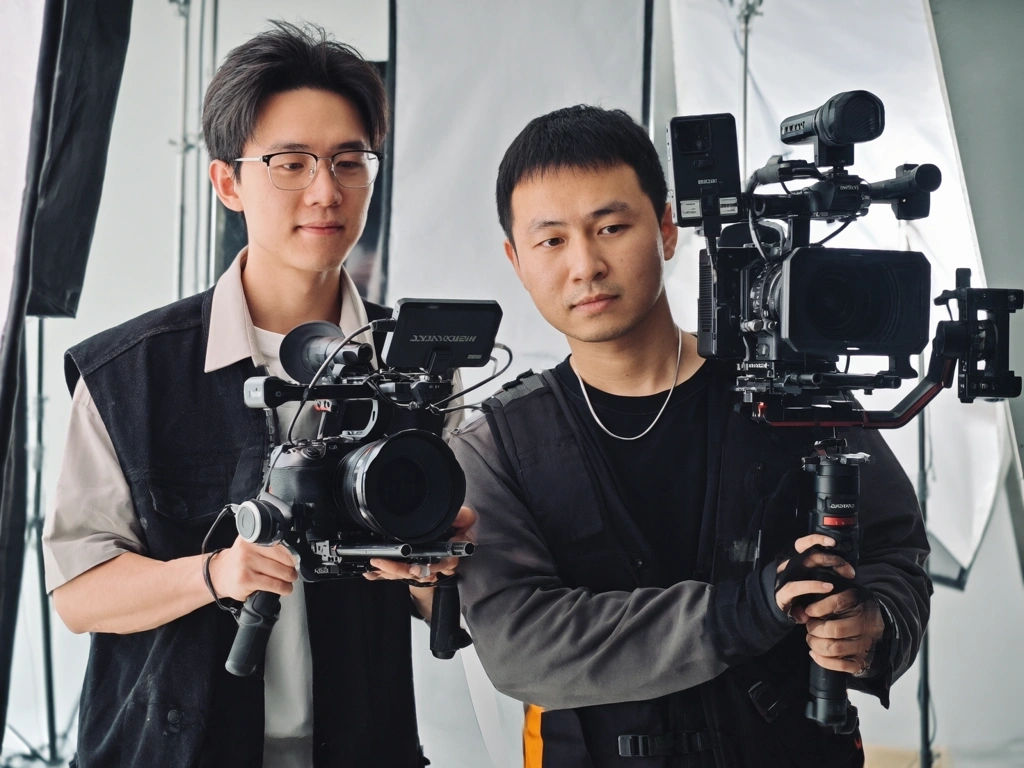
Creators can write explicit scene direction and get a clip back instead of a policy message. It suits NSFW concepts that start as an idea rather than an existing image.
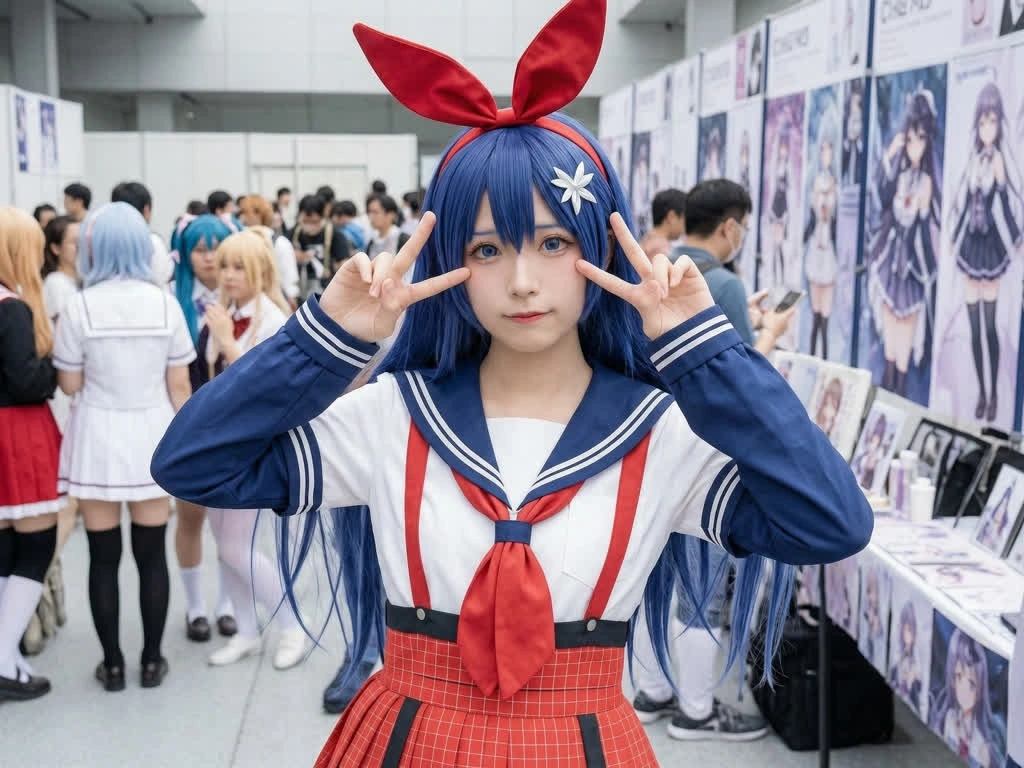
Writers can watch a scene beat move before drawing or filming anything. Prompt-only generation makes it cheap to test pacing, camera angle, and character action.
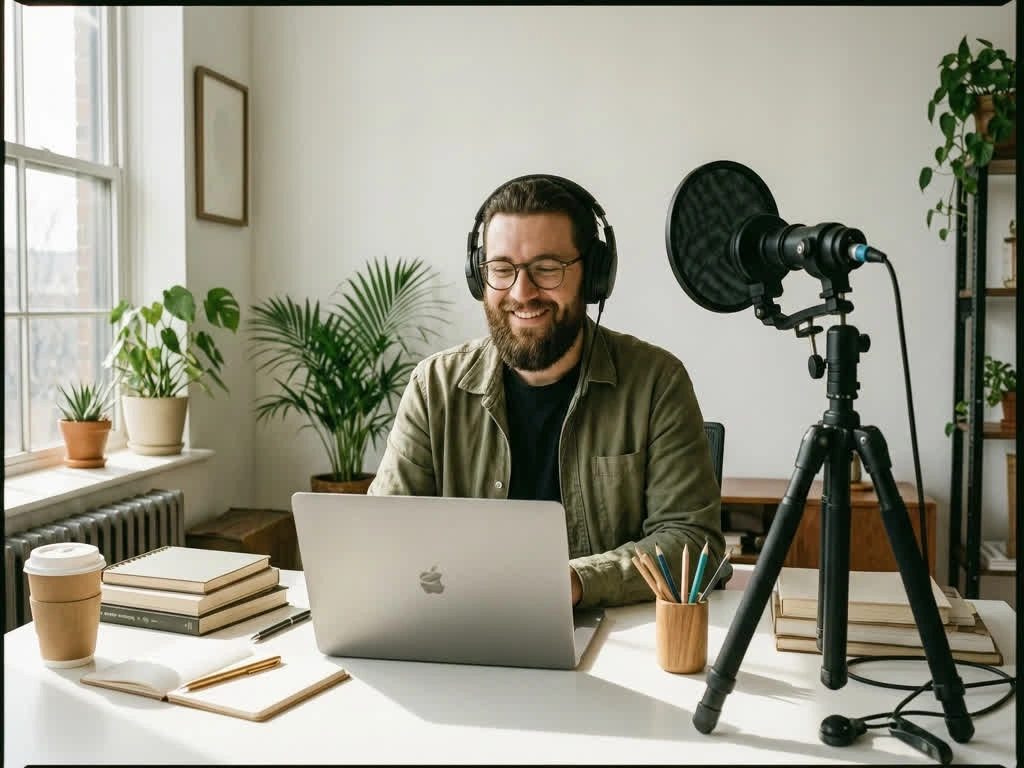
Anyone exploring personal 18+ fantasies can generate and review clips without publishing them. CharaxAI is intended for lawful fictional content only.
Other generators spend your credits rejecting wording before rendering starts. CharaxAI runs unfiltered prompting for lawful 18+ work, so explicit direction is treated as scene instruction rather than a violation to catch.
Subject, action, camera distance, lighting, and pacing are read as separate signals instead of one blended description. Rewriting a single clause shifts that part of the clip, which makes iteration purposeful rather than random.
Free to start with room to regenerate, because a usable clip usually takes several attempts. Drafts stay inside your session with no public gallery by default.
The exact wording that got rejected everywhere else rendered here without an argument. That alone changed how I plan adult scenes.
I wrote a low angle with a slow push in and got roughly that. Most tools ignore camera language entirely and give you a static shot.
The stylized output held character design across the clip instead of redrawing the face halfway through. Useful for testing a story beat quickly.
Editing just the lighting clause actually changed the lighting and left the rest alone. That made iteration feel deliberate instead of rolling dice.
I did not have a reference and did not want to make one first. Going straight from a written scene to a clip cut a whole step out of my process.
I run a lot of throwaway prompts before anything is usable. Knowing none of it lands in a public feed is why I keep drafting here.
The exact wording that got rejected everywhere else rendered here without an argument. That alone changed how I plan adult scenes.
I wrote a low angle with a slow push in and got roughly that. Most tools ignore camera language entirely and give you a static shot.
The stylized output held character design across the clip instead of redrawing the face halfway through. Useful for testing a story beat quickly.
Editing just the lighting clause actually changed the lighting and left the rest alone. That made iteration feel deliberate instead of rolling dice.
I did not have a reference and did not want to make one first. Going straight from a written scene to a clip cut a whole step out of my process.
I run a lot of throwaway prompts before anything is usable. Knowing none of it lands in a public feed is why I keep drafting here.
The exact wording that got rejected everywhere else rendered here without an argument. That alone changed how I plan adult scenes.
I wrote a low angle with a slow push in and got roughly that. Most tools ignore camera language entirely and give you a static shot.
The stylized output held character design across the clip instead of redrawing the face halfway through. Useful for testing a story beat quickly.
Editing just the lighting clause actually changed the lighting and left the rest alone. That made iteration feel deliberate instead of rolling dice.
I did not have a reference and did not want to make one first. Going straight from a written scene to a clip cut a whole step out of my process.
I run a lot of throwaway prompts before anything is usable. Knowing none of it lands in a public feed is why I keep drafting here.
The exact wording that got rejected everywhere else rendered here without an argument. That alone changed how I plan adult scenes.
I wrote a low angle with a slow push in and got roughly that. Most tools ignore camera language entirely and give you a static shot.
The stylized output held character design across the clip instead of redrawing the face halfway through. Useful for testing a story beat quickly.
Editing just the lighting clause actually changed the lighting and left the rest alone. That made iteration feel deliberate instead of rolling dice.
I did not have a reference and did not want to make one first. Going straight from a written scene to a clip cut a whole step out of my process.
I run a lot of throwaway prompts before anything is usable. Knowing none of it lands in a public feed is why I keep drafting here.
It generates video directly from a written prompt without screening your wording for suggestive or adult content. CharaxAI applies this to lawful 18+ material while still excluding minors, coercion, and unauthorized real-person likeness.
No. Text to video works from the prompt alone, which is the difference from image to video. If you already have a reference picture, the image to video workflow will usually preserve that subject more closely.
Name the subject, the specific action, the camera position, and the lighting in separate phrases. Vague adjectives produce vague motion, while concrete body position and shot distance give the generator something to build on.
Yes, for lawful fictional 18+ content. Explicit direction can be written plainly rather than reworded around a filter, and generation stays inside a private session.
Yes. Realistic, anime, hentai-style, and stylized 3D directions are all available, and each one changes pacing and character rendering rather than only applying a surface look.
The tool is built for repeat generation since prompts usually need several passes. Exact allowances depend on your credits, account status, and current product settings.
Export options, including watermark handling and resolution, depend on your current plan. Check the export panel before finalizing a clip you intend to publish.
Basic finishing such as trimming and adding text to video is handled in the editor after generation. For heavier post-production, export the MP4 and continue in your own timeline.
Drift usually comes from a prompt that stacks too many actions into one shot. Splitting the scene into a single clear action with one camera move gives far more consistent results.
Commercial use depends on the content you generate and your rights to it. Confirm the material is lawful and authorized, then review the platform terms before publishing.